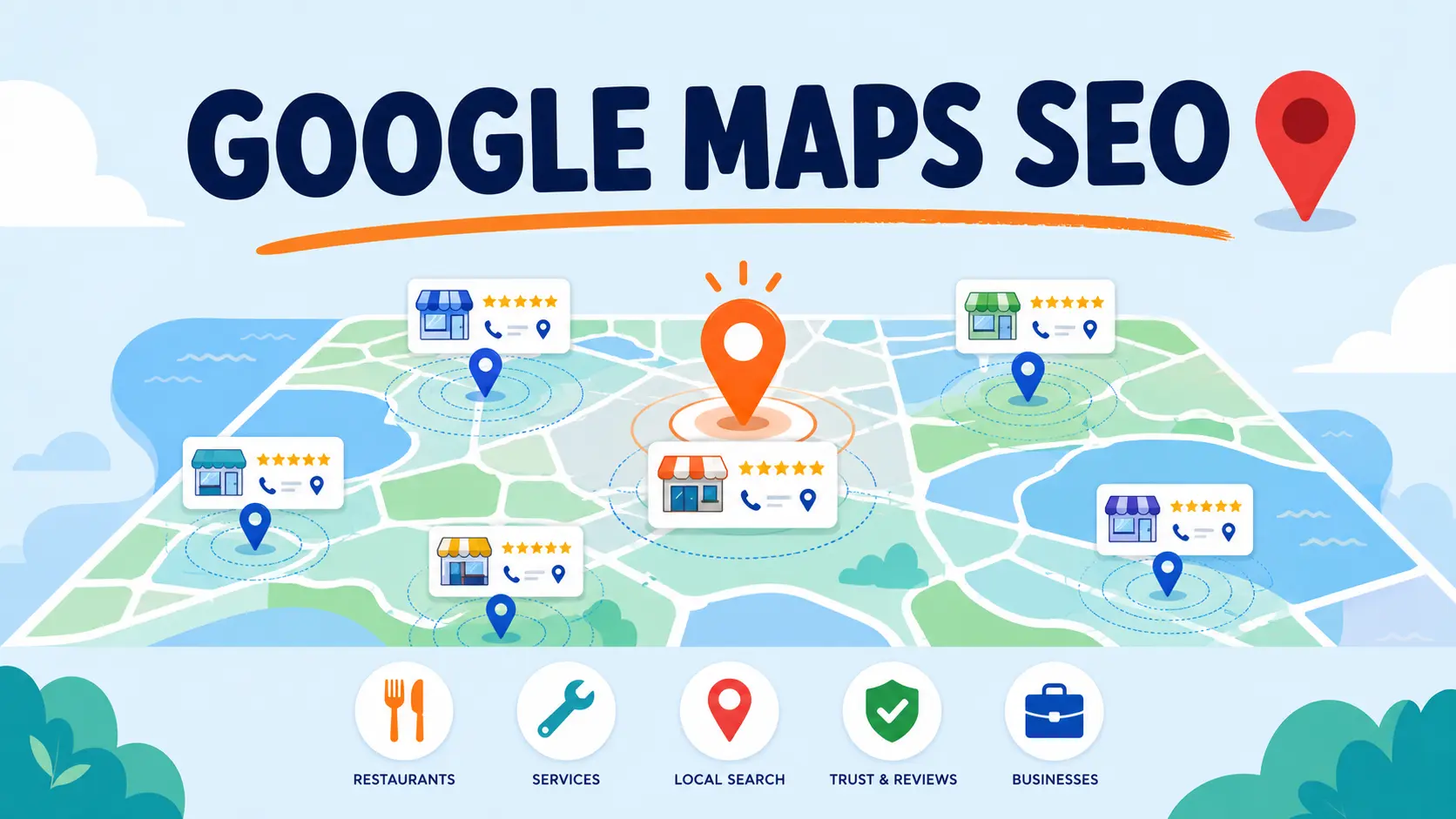
Google Maps SEO Guide to Rank Higher and Get Found by Local Customers
Google Maps SEO starts with one simple truth. If your business doesn’t show up on the map when someone searches nearby, you’re invisible to them, no matter how good your product or service actually is. I’ve worked with clients who had great websites and solid reviews elsewhere, yet still lost customers to competitors who simply understood how to show up in that little map box at the top of Google.
That gap between being a great business and being a findable one is what this guide is about. Whether you’re running a single storefront or managing listings across several cities, the businesses that consistently show up on the map aren’t necessarily the biggest or the oldest, they’re the ones who’ve sussed out what Google is actually looking for.
I’ve spent years helping businesses close that exact gap, and what follows is everything I’ve learned about getting found on Google Maps, from the ranking factors that matter most to the specific strategies you can start using today.
What Is Google Maps SEO?
Google Maps SEO is the process of optimising your business listing and online presence so it ranks higher on Google Maps and in the Local Pack, the group of three business results that appear above organic listings whenever someone searches for something nearby. It’s what determines whether your business shows up when someone types “dentist near me” or “best pizza in Melbourne,” and where you land in that lineup.
Unlike traditional SEO, which focuses on ranking a website in organic search results, Google Maps SEO is built around a different set of signals entirely. Your Google Business Profile plays the biggest role, but it’s far from the only factor. Google also looks at your NAP consistency across the web, your review count and quality, your website’s local relevance, and your physical distance from the person searching.
The goal is straightforward even if the execution takes a bit of work. You want Google to trust that your business is legitimate, relevant, and close enough to the searcher to be worth recommending, and you want that trust reflected in your ranking every time someone in your area searches for what you offer.
Google Maps SEO vs Local SEO
Google Maps SEO and Local SEO get used interchangeably so often that most business owners assume they’re one and the same. They’re related, but they’re not quite identical.
Local SEO is the umbrella term. It covers every strategy that helps your business rank for location-based searches, whether that’s your Google Maps visibility, your organic rankings for local keywords, your on-page content, or your local backlink profile. Google Maps SEO sits underneath that umbrella as one specific piece, focused entirely on how you perform inside Google Maps and the Local Pack.
Here’s a quick side-by-side to make the distinction clearer.
A simple way to separate them in practice. If you’re working on getting your website to rank for “accounting services in Melbourne,” that’s Local SEO. If you’re working on getting your business to appear in the map results for that same search, that’s Google Maps SEO. Most businesses need both working together, but they require different tactics, and treating them as the same thing is usually where local ranking efforts fall short.
How Does Google Maps Ranking Work?
Google has confirmed that Maps rankings come down to three core factors, and understanding these three is the foundation for everything else in this guide. Once you know what they are, every strategy you use afterwards makes a lot more sense because you’ll know exactly what it’s trying to influence.
Relevance
Relevance is how well your business listing matches what someone is actually searching for. If someone searches for “vegan bakery,” Google needs to understand that your business sells vegan baked goods, and it pulls that understanding from your business category, your business description, your website content, and even the keywords in your reviews.
Distance
Distance is fairly self-explanatory, Google factors in how far your business is from the location of the person searching, or from the location term they typed in. You can’t change where your business is physically located, but you can make sure your address and service areas are set up correctly so Google understands your coverage accurately.
Prominence
Prominence is often where the real competition happens. It reflects how well-known and trusted your business is, both online and offline. It’s shaped by things like your review count and star rating, the quality of your backlinks, how often your business is mentioned across the web, and how complete and active your Google Business Profile is. A business with strong prominence can sometimes outrank a business that’s physically closer to the searcher, which is exactly why prominence tends to be the factor most worth investing in.
What makes Maps ranking tricky is that these three factors work together rather than independently. A highly relevant business with weak prominence might still lose to a moderately relevant business with strong reviews and citations. That’s why the strategies coming up in this guide target more than one factor at once, because ranking well on Google Maps has never been about optimising just one thing in isolation.
Also Read: Google Business Reviews: The Complete Guide to Getting, Managing, and Responding to Reviews
10 Google Maps SEO Strategies to Rank Higher
Knowing the three ranking factors is one thing, actually acting on them is where the results happen. Here are ten strategies that directly influence relevance, distance, and prominence, and that I’ve used with clients to move them into the map pack consistently.
1. Claim and Fully Optimise Your Google Business Profile
This is where everything starts. If you haven’t claimed your Google Business Profile yet, nothing else on this list will matter much because Google has no verified source of truth about your business. Once claimed, fill out every single field available, your business name, address, phone number, website, hours, services, products, and attributes. Businesses that leave sections blank are essentially telling Google they’re not sure who they are, and Google responds by ranking them lower for relevant searches.
2. Choose the Right Primary and Secondary Categories
Your category selection is one of the strongest relevance signals you have. A lot of business owners pick a broad category because it feels safer, but specificity usually wins out. If you run a bakery that specialises in wedding cakes, “Wedding Bakery” as your primary category will outperform the generic “Bakery” for the searches that actually convert. Add secondary categories too, but only ones that genuinely apply, stuffing irrelevant categories in can hurt more than it helps.
3. Keep Your NAP Consistent Everywhere
Your NAP consistency, meaning your name, address, and phone number matching exactly across every platform, directly affects how much Google trusts your business information. Even small inconsistencies, like listing “St” on one site and “Street” on another, can create doubt in Google’s algorithm about which version is accurate. Run an audit across your website, your GBP, and every directory you’re listed on, then sort out any mismatches you find.
4. Build Local Citations on Relevant Directories
Citations are mentions of your business name, address, and phone number on other websites, and they act as trust signals that reinforce your legitimacy. Focus on quality over quantity here. A handful of citations on respected, industry-relevant directories will do more for your prominence than dozens of citations on low-quality sites that Google barely trusts.
5. Collect and Respond to Google Reviews Consistently
Reviews influence prominence more than almost any other factor on this list, and they’re not a one-off task. Google favours businesses that earn reviews steadily over time rather than in occasional bursts. Make asking for reviews part of your regular customer process, and respond to every review you get, positive or negative, since Google reads those responses as a signal of an active, engaged business.
6. Add Geo-Tagged Photos Regularly
Photos do more than make your profile look appealing, they carry location data that reinforces relevance and distance signals when geo-tagged correctly. Upload new photos on a regular basis rather than all at once, covering your storefront, your team, your products, and your work in action. Profiles with fresh, frequent photo uploads tend to see stronger engagement, which feeds back into your ranking.
7. Use Google Posts to Stay Active
Google Posts let you share updates, offers, and events directly on your profile, and they’re one of the easiest ways to signal ongoing activity to Google. A profile that posts regularly looks more alive than one that’s been sitting static for months, and that activity contributes to prominence. Even a simple weekly post about a promotion or update keeps your profile ticking along in the right direction.
8. Build Location-Specific Landing Pages
If you serve multiple areas or have multiple locations, a single generic homepage isn’t enough. Each location needs its own dedicated page with unique content, local keywords, embedded maps, and location-specific details. This reinforces relevance for each individual area you serve and gives Google a clear page to associate with each of your Maps listings.
9. Earn Local Backlinks and Brand Mentions
Backlinks from local news sites, community organisations, and industry publications strengthen your prominence in a way that’s hard to fake. Sponsor a local event, get featured in a local business roundup, or partner with a complementary business for a joint mention. These earned mentions tell Google that real people and real organisations in your area recognise your business.
10. Embed a Google Map on Your Contact Page
This one’s small but often overlooked. Embedding an actual Google Map on your website’s contact page reinforces the connection between your website and your GBP listing, and it makes it easier for Google to confirm your location data matches across both. It’s a quick technical fix that takes minutes but adds one more layer of consistency to your overall profile.
Also Read: Local Citations: The Complete Guide to Building Trust and Visibility for Your Business
Google Maps SEO Ranking Factors You Should Prioritise
By now you understand the three pillars behind Google Maps ranking, relevance, distance, and prominence. But knowing the theory doesn’t tell you where to spend your time when you’re juggling a business and don’t have hours to spend on every possible optimisation. This section breaks those three pillars down into the specific, actionable factors that feed into them, ranked by how much impact they tend to have.
If you only have time to focus on a handful of things this month, start with the High Priority row and work your way down.
A few of these are worth calling out specifically. Reviews sit in the High Priority tier because they influence both prominence and relevance at the same time, Google reads review content for relevant keywords, and it reads review volume and rating as a trust signal. That dual impact is why businesses that neglect reviews often plateau no matter how well-optimised everything else is.
Distance is the one factor you genuinely can’t optimise directly, but it’s still worth understanding, because it explains why you might rank well for searches close to your location and poorly for the same search a few kilometres away. Instead of trying to change it, focus your effort on the factors you can influence, since strong relevance and prominence can sometimes offset a distance disadvantage.
The Medium Priority factors matter, but they tend to work best as ongoing habits rather than one-off fixes. Think of them as maintenance that keeps your High Priority efforts from losing momentum over time.
Be Careful with Virtual Offices and Google’s Guidelines
If you don’t have a traditional storefront and you’re considering a virtual office or co-working space address to establish a presence on Google Maps in a new area, the short answer is it depends, not a flat yes or no. Google’s rule comes down to one simple test, do you actually operate from that address during your posted hours, or is it just a mailing address on paper?
According to Google’s own guidelines for representing your business, a rented mailing address you don’t operate out of isn’t eligible for a Business Profile, which means it won’t show up on Google Maps at all. A co-working or virtual office space only qualifies if it has clear, permanent signage, receives customers there during your posted business hours, and is staffed by your own team during those same hours. A virtual office that exists purely as a mail-forwarding service, with nobody from your business ever physically present, doesn’t meet that bar, no matter how legitimate the provider looks on paper.
Now here’s the part a lot of business owners skip past. What actually happens if you set one up anyway, knowing it doesn’t meet the bar?
In the short term, it might work, some listings sit unflagged for months. But Google actively cross-references addresses against known mailbox services and co-working chains, so it’s rarely a matter of if, more a matter of when. Once flagged, here’s what tends to follow.
- Your listing gets suspended, disappearing from Google Maps and search entirely
- You’re asked to prove the business is real, sometimes through a video walkthrough showing your signage and staff on camera
- Your other locations get pulled into it, if you manage multiple profiles under one account, since Google can treat it as a pattern rather than an isolated issue
- You risk losing eligibility altogether, repeated violations can block you from creating new listings on that account going forward
The short-term visibility rarely outweighs the risk of losing the listing entirely, along with the reviews and history built up around it.
If you’re trying to expand your Google Maps visibility into an area where you don’t have a physically staffed location, you have two safer paths. You can set your business up as a service-area business, which lets you appear on Maps for the areas you serve without displaying a public address at all. Or, if you do want a physical pin on the map, choose a virtual office provider that genuinely staffs the location and lets you meet clients there during listed hours, since that setup does meet Google’s standard.
Get Found on Google Maps with Tsabit Insight
Google Maps SEO isn’t something you set up once and walk away from, it’s a living part of your local presence, one that needs attention as competitors shift, algorithms update, and your business grows. If you’ve made it this far through the guide, you already know there’s a lot of moving pieces to manage well. The good news is, you don’t have to manage all of it alone.
At Tsabit Insight, I provide freelance SEO services built around exactly this kind of process, auditing your Google Business Profile, fixing NAP inconsistencies across the web, building location pages that actually convert, and putting together a review strategy that keeps your prominence growing over time. Every project starts with understanding your business and the market you’re competing in, the same way this guide does, before any optimisation work begins.
Whether you’re starting from scratch or trying to fix a Maps ranking that’s stalled, the approach stays grounded in what genuinely moves the needle, not just what looks good on a checklist. If you’re looking for a reliable freelance SEO specialist to guide your Google Maps strategy in the right direction, get in touch to discuss your project and discover how Tsabit Insight can help your business get found by the customers searching for you right now.
FAQ