The Complete Guide to Technical SEO And Why Your Content Isn’t Ranking Without It
Technical SEO is probably the reason your beautifully written blog post never shows up when you search for it. You did everything right. Great topic, solid keywords, clean writing. Yet Google still can’t find it, or worse, found it and decided not to trust it. That’s not a content problem. That’s a technical one.
Here’s the thing nobody tells you early enough. You can write the best article on the internet and it will sit invisible forever if the technical foundation underneath it is broken. Search engines don’t read your website the way humans do. They crawl it, parse it, and make judgment calls about whether it’s worth showing to anyone. If that process breaks down anywhere along the way, your content never gets a fair shot.
What Is Technical SEO?
Technical SEO is the work you do behind the scenes so search engines can actually access, understand, and trust your website. Think of it as the plumbing and wiring of your site. Nobody visiting your house cares about the pipes behind the walls, but if they’re broken, nothing else matters. The kitchen looks great, the furniture is perfect, and none of it matters because the water doesn’t run.
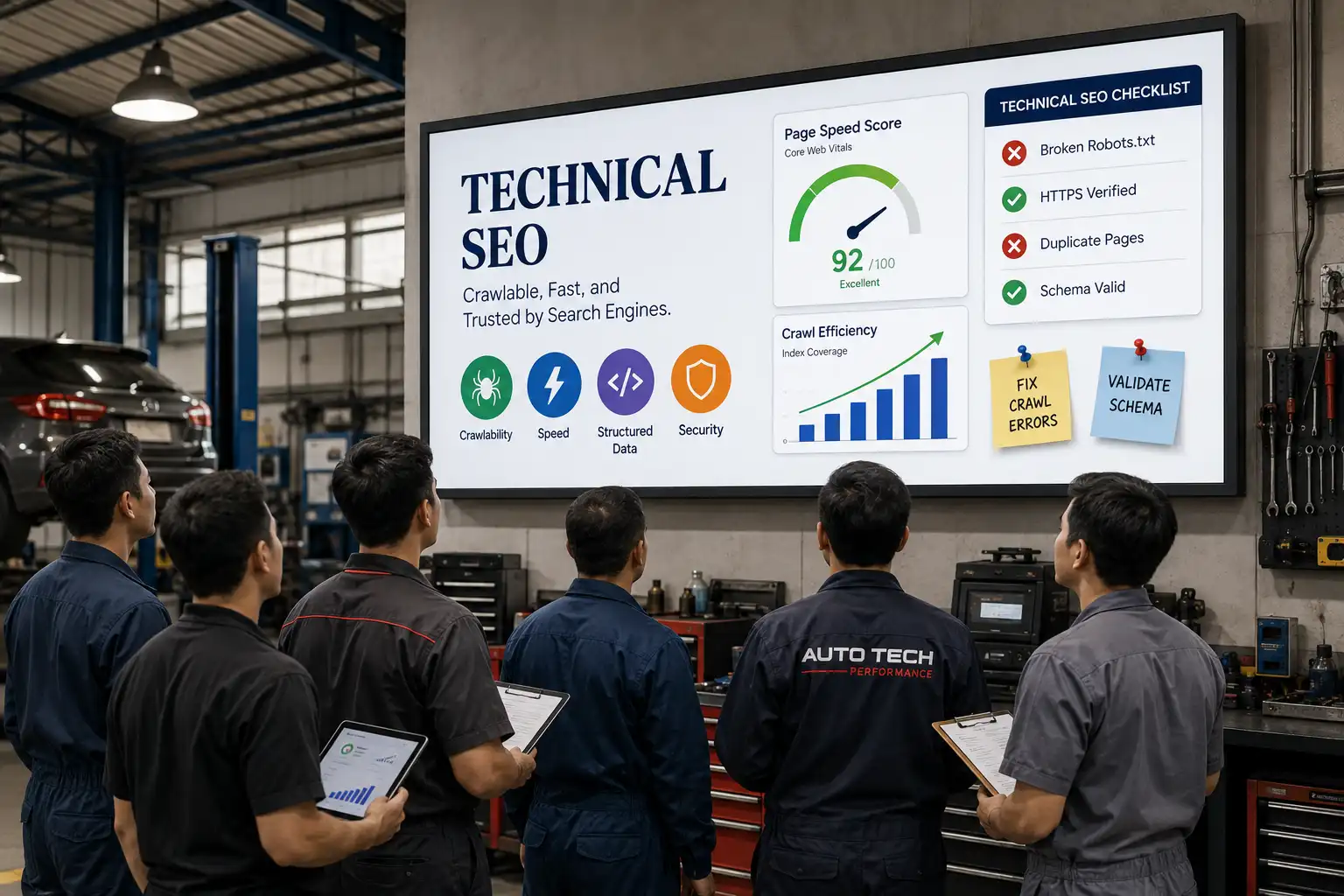
In search terms, that means making sure Google can crawl every important page, index it correctly, understand what it’s about, and serve it fast on any device. It covers things like site speed, mobile usability, secure connections, structured data, clean site architecture, and making sure search engines aren’t accidentally blocked from parts of your site you actually want ranked.
It’s different from writing great content or building backlinks. Those matter, but they only work if the technical layer underneath them is solid. Technical SEO is what makes everything else possible in the first place.
How Technical SEO Works
Picture your website as a shop you’ve opened in a massive city, except the only way customers find you is through a very particular delivery driver named Google. That driver needs to physically walk through your shop first, check every aisle, understand what you’re selling, make sure the lights work and the doors open properly, before it ever tells a single customer you exist.
Technical SEO is everything that makes that walkthrough go smoothly. Miss a step and the driver either can’t get in, gets confused about what you sell, or decides your shop isn’t trustworthy enough to recommend. Here’s what that walkthrough actually looks like in practice.
Crawlability & Indexability
Before Google can rank your page, it has to find it and decide it’s worth keeping. That’s crawling and indexing. Crawling is Google’s bots moving through your site following links, reading your pages, and mapping out what exists. Indexing is the step after that, where Google decides a page is good enough to store in its database and eligible to show up in search results.
If a page is blocked by robots.txt, tagged noindex by accident, or simply orphaned with no internal links pointing to it, Google may never find it or may find it and choose not to index it. Your XML sitemap plays a big role here too, since it acts like a map you hand directly to search engines instead of hoping they stumble onto everything on their own.
Site Architecture & Internal Linking
Your site structure tells search engines what matters most. A flat structure where important pages are just a click or two from the homepage signals importance and makes crawling efficient. Bury a page five or six clicks deep and you’re telling Google it’s not a priority, even if it’s genuinely great content. Internal linking reinforces this by passing authority between pages and helping search engines understand the relationships between topics on your site.
Core Web Vitals & Page Speed
Google measures how your site actually performs for real users, not just how fast it loads on a good day. Core Web Vitals track loading speed, interactivity, and visual stability, meaning does the page load quickly, respond fast when someone clicks something, and stay stable instead of jumping around while it loads. Slow, janky pages hurt rankings and drive people away before they even read a word.
Mobile-First Indexing
Google predominantly uses the mobile version of your site for indexing and ranking, not the desktop version. If your mobile experience is stripped down, slower, or missing content compared to desktop, that’s the version Google is judging you on.
HTTPS & Site Security
A secure connection used to be a nice bonus, but now it’s simply expected. Google treats HTTPS as a baseline trust signal, and if your site is still running on the old unsecured version, browsers will actively warn visitors before they even land on your page, showing a “not secure” label right in the address bar.
That’s often enough to send someone straight back to the search results instead of giving your site a chance. Beyond rankings, it protects any data your visitors submit, whether that’s a contact form, an email signup, or a purchase, which matters just as much for trust as it does for SEO.
Structured Data & Schema Markup
Structured data is a way of labeling your content so search engines understand exactly what they’re looking at instead of guessing from context clues. Add the right schema to a recipe page and Google can display cook time and ratings directly in the results.
Add it to a product page and you might get pricing and stock availability shown before someone even clicks through. It’s also becoming one of the most important pieces of the puzzle for AI search tools, since they lean heavily on structured data to pull accurate, citable answers rather than trying to interpret loose paragraphs of text.
Canonicalization & Duplicate Content
When the same piece of content is reachable through multiple URLs, whether that’s from tracking parameters, printer-friendly versions, or www versus non-www variations, search engines have to guess which one is the real, authoritative version worth ranking.
Canonical tags remove that guesswork entirely by pointing directly to the version you want treated as the original. Without them, you risk splitting ranking signals across several duplicate pages instead of consolidating that strength into one, which quietly weakens all of them at once.
JavaScript SEO
Modern websites often lean heavily on JavaScript to build interactive, dynamic experiences, and that can look flawless to a human visitor while showing search engines something completely different. JavaScript for SEO is therefore an important consideration when building and optimising modern websites, because search engines don’t always execute JavaScript the same way a browser does. This means content that renders perfectly on screen might be invisible to Google during crawling and indexing.
This is one of the most common technical SEO failures on modern sites precisely because it’s invisible to the person building the site. Everything looks fine until you check how Google actually sees the rendered page.
International SEO & hreflang
If you’re running multiple language or regional versions of the same page, hreflang tags tell search engines exactly which version belongs in front of which audience. Without them, your English, Australian, and Arabic pages can end up competing directly against each other in search results, splitting your own traffic and confusing which version Google decides to rank.
Done correctly, hreflang makes sure a searcher in Sydney sees your AU page while someone in Riyadh sees the Arabic version, with each one reinforcing the others instead of cannibalizing them.
Also Read: The Complete Guide of International SEO to Ranking in Global Markets
Why Is Technical SEO Important?
Here’s a number that should make you sit up. Most people never scroll past the first page of search results, and a huge chunk of them never make it past the first few listings. If your site has technical issues holding it back, you’re not losing to better content most of the time. You’re losing before the fight even starts. Here’s why fixing that foundation matters so much.
- It determines whether Google finds you at all
No amount of great writing helps if crawlers can’t reach your pages or index them properly. This is the gatekeeping step everything else depends on. - It shapes how fast people actually experience your site
A slow, clunky page loses visitors within seconds, and Google factors that frustration directly into how it ranks you. - It builds trust before a single word is read
A secure connection, a clean mobile experience, and a stable layout all signal credibility to both search engines and real people landing on your page. - It compounds across your entire site at once
Fixing one sitewide technical issue, like a crawl block or a speed problem, often lifts dozens of pages simultaneously, unlike content or link building efforts that usually help one page at a time. - It protects the results your other SEO work already earned
You can write brilliant content and build strong backlinks, but a broken technical foundation quietly caps how much of that effort ever gets seen. - It’s increasingly what AI search tools rely on to trust you
As more answers come from AI generated summaries, structured, technically sound sites are far more likely to get cited as the source.
Technical SEO vs On-Page SEO vs Off-Page SEO
People throw these three terms around like they’re interchangeable, and honestly, that mix up causes more confusion than almost anything else in SEO. They’re not competing strategies where you pick one. They’re three different layers working on completely different parts of your site, and you genuinely need all three to actually rank. Think of it less as a choice and more as three separate jobs that all have to get done.
The easiest way to think about it is this. Technical SEO makes sure the door is open. On page SEO makes sure the room behind that door is worth walking into. Off page SEO is other people telling their friends your room is worth visiting. Skip any one of the three and the other two can only carry you so far.
Also Read: Local SEO Guide and Why the Businesses Down the Street Are Beating You on Google
Technical SEO for Large Websites
Everything gets harder once your site crosses into the thousands or millions of pages. The tactics that work fine for a ten page blog start breaking down completely, and a lot of site owners don’t realise it until traffic starts dropping for reasons nobody can quite explain. Large sites don’t just have more of the same problems, they have entirely different problems that small sites never even encounter.
Take an ecommerce store with fifty thousand product pages, or a news site publishing hundreds of articles a week. Google doesn’t have unlimited time or resources to crawl every single page you own. It allocates a budget, and if that budget gets wasted crawling junk pages, your important content gets crawled less often, sometimes not at all.
Crawl budget management is where this becomes a real strategic decision instead of a technical afterthought. You have to actively decide what deserves Google’s attention and what doesn’t. That means blocking low value pages like internal search results, filtered category pages with endless parameter combinations, or thin duplicate content, so Google spends its limited crawl budget on the pages that actually drive revenue or traffic. Get this wrong and Google might spend eighty percent of its crawl activity on pages that will never rank for anything.
Then there’s a question most site owners never think to ask. What is Google actually doing on your site right now? Log file analysis answers that directly, because it shows you the raw record of every single bot visit, which pages got crawled, how often, and which ones got ignored entirely. It’s the closest thing to reading Google’s mind. You’ll often find bots hammering pages you don’t care about while completely skipping ones you’d love to rank.
And finally, the problem that quietly wrecks more large ecommerce sites than almost anything else. Faceted navigation and pagination. Every filter combination on a product listing page, size, colour, price range, brand, can generate a unique URL. Multiply that across a large catalog and you can accidentally create millions of near duplicate pages that dilute your site’s authority and confuse search engines about which version actually matters. Pagination causes a similar mess when page two, three, and four of a category listing compete against each other instead of consolidating strength into one authoritative page.
Technical SEO for AI Search
Something shifted quietly over the past couple of years, and a lot of site owners still haven’t caught up to it. People aren’t just typing queries into Google anymore and scrolling through ten blue links. They’re asking ChatGPT, Perplexity, and Google’s own AI Overviews a question and expecting a direct answer, often without ever clicking through to a website at all.
That changes the game, because now you’re not just optimising to rank. You’re optimising to get cited, quoted, or pulled into an answer that someone reads without ever visiting your page. Here’s what actually earns that trust.
- llms.txt and AI crawler permissions
This is the newest addition to the technical SEO toolkit, essentially a file that tells AI crawlers like GPTBot or ClaudeBot what they’re allowed to read and use. Block them by accident through outdated robots.txt rules and your content simply never enters the conversation, no matter how good it is. - Structured data for AI citations
AI systems lean heavily on schema markup to understand facts with certainty rather than guessing from loosely written paragraphs. A page with clear FAQ schema, clear author information, and clean factual markup gives an AI model exactly what it needs to confidently cite you as a source instead of skipping past you for a competitor with cleaner data. - Content chunking for retrieval
AI tools don’t read your whole page top to bottom the way a human might. They pull specific chunks, a paragraph here, a definition there, and use those pieces to construct an answer. Writing in self contained sections, where each paragraph or subheading can stand on its own and still make sense out of context, keeps you from getting skipped in favour of a competitor who writes more cleanly. - Answer Engine Optimisation
This is really just SEO’s natural evolution rather than a separate discipline. The fundamentals haven’t changed, being crawlable, structured, and trustworthy still matters more than anything else. What’s changed is who’s reading your site and what they’re doing with what they find.
How to Perform a Technical SEO Audit
Auditing your site sounds intimidating until you break it down into a clear sequence of checks, each one answering a specific question about how your site is actually performing behind the scenes. Here’s how to work through it properly, step by step.
1. Start With a Full Site Crawl
Before you can fix anything, you need to see your site the way a search engine sees it, not the way you see it in your browser. Running a crawl using a tool like Screaming Frog or Sitebulb gives you a complete map of every URL on your domain, along with status codes, broken links, redirect chains, missing title tags, and duplicate content issues all in one place.
This single step usually surfaces more problems in ten minutes than months of manual checking ever would, simply because it shows you patterns across your entire site instead of one page at a time.
2. Check Indexation Status
Once you know what pages exist, the next question is whether Google actually has them indexed. Head into Google Search Console and check the Index Coverage report, which shows you exactly which pages are indexed, which are excluded, and why.
You’ll often find pages you expected to rank sitting in “Crawled, currently not indexed” or “Discovered, currently not indexed,” which usually points to thin content, duplicate content, or a quality issue Google isn’t confident about yet.
3. Review Core Web Vitals and Page Speed
Pull your site through Google’s PageSpeed Insights or the Core Web Vitals report inside Search Console to see real user performance data, not just a lab test score. Pay attention to Largest Contentful Paint, Interaction to Next Paint, and Cumulative Layout Shift specifically, since these are the exact metrics Google uses to judge whether your pages load fast, respond quickly, and stay visually stable. If any of these are flagged as poor, that’s a direct ranking and user experience problem worth fixing immediately.
4. Test Mobile Usability
Since Google evaluates your site primarily through its mobile version, run your key pages through the Mobile-Friendly Test and manually check a handful of pages on an actual phone. Look for text that’s too small to read, buttons crammed too close together, and content that’s hidden or missing entirely compared to the desktop version.
5. Verify HTTPS and Security Setup
Confirm every page on your site loads securely with a valid SSL certificate and that there are no mixed content warnings, which happen when a secure page still loads insecure resources like images or scripts. Also check that your old HTTP version properly redirects to HTTPS everywhere, rather than existing as a separate crawlable duplicate of your site.
6. Audit Structured Data Implementation
Run your important pages through Google’s Rich Results Test to confirm your schema markup is valid and actually eligible for rich results. It’s common to find schema that was implemented once and never updated, meaning it no longer matches the actual content on the page, which can quietly work against you instead of helping.
7. Check for Duplicate Content and Canonical Issues
Look for URLs that generate duplicate or near duplicate versions of the same page, whether from tracking parameters, filtered navigation, or www versus non-www inconsistencies. Confirm every page has a correct, self-referencing canonical tag pointing to the version you actually want indexed.
8. Review Your XML Sitemap and Robots.txt
Make sure your XML sitemap only includes pages you actually want indexed, is free of broken or redirected URLs, and is correctly submitted inside Search Console. Then double check your robots.txt file line by line, since a single misplaced disallow rule can accidentally block Google from crawling entire sections of your site without anyone noticing for months.
9. Analyse Internal Linking Patterns
Look at how link equity flows through your site by checking which pages have the most internal links pointing to them and which pages are practically orphaned with almost none. Important pages that are buried deep with weak internal linking are a common, easily fixable reason a page underperforms despite strong content.
10. Dig Into Server Log Files
If you have access to raw server logs, this is where you see the unfiltered truth about how search engine bots actually behave on your site, which pages get crawled frequently, which get ignored, and where crawl budget is being wasted on low value URLs.
Technical SEO Tools
You don’t need a stack of twenty different platforms to run a proper technical audit. A handful of tools, used well, cover almost everything you need. Here’s what actually earns a place in your toolkit and why.
Most people don’t need all seven running at once. Search Console and a solid crawler cover roughly eighty percent of what you’ll ever need to diagnose, with the rest filling in specific gaps as they come up.
Technical SEO Checklist
I’ve walked you through a lot in this article, so let’s turn all of it into something you can actually act on. Below is the exact checklist I use when auditing a site’s technical foundation, broken into the same order you’d realistically tackle it, crawling and indexing first, then performance and mobile, then trust signals and structured data, then overall site structure. Check off what you’ve already done, and let the rest guide what to tackle next.
Get Your Technical Foundation Right with Tsabit Insight
Technical SEO isn’t something you fix once and walk away from, it’s a living part of your site that needs revisiting as your content grows, your platform updates, and search itself keeps evolving. If you’ve made it this far through the guide, you already know there’s a lot of moving pieces to manage well.
The good news is, you don’t have to manage all of it alone. At Tsabit Insight, I provide freelance SEO services built around exactly this kind of process, auditing your site’s crawlability, fixing what’s silently holding your rankings back, and building a technical foundation solid enough for everything else you do to actually pay off. Every project starts with understanding your site and your goals, the same way this guide does, before any tool or crawl report gets involved.
Whether you’re dealing with a fresh site that needs a proper technical setup or an established one with issues that have quietly piled up over time, the approach stays grounded in what genuinely moves the needle, not just what looks clean in an audit report. If you’re looking for a reliable freelance SEO specialist to get your technical foundation right, contact me to discuss your project and discover how Tsabit Insight can help your site become one search engines actually trust.

FAQ